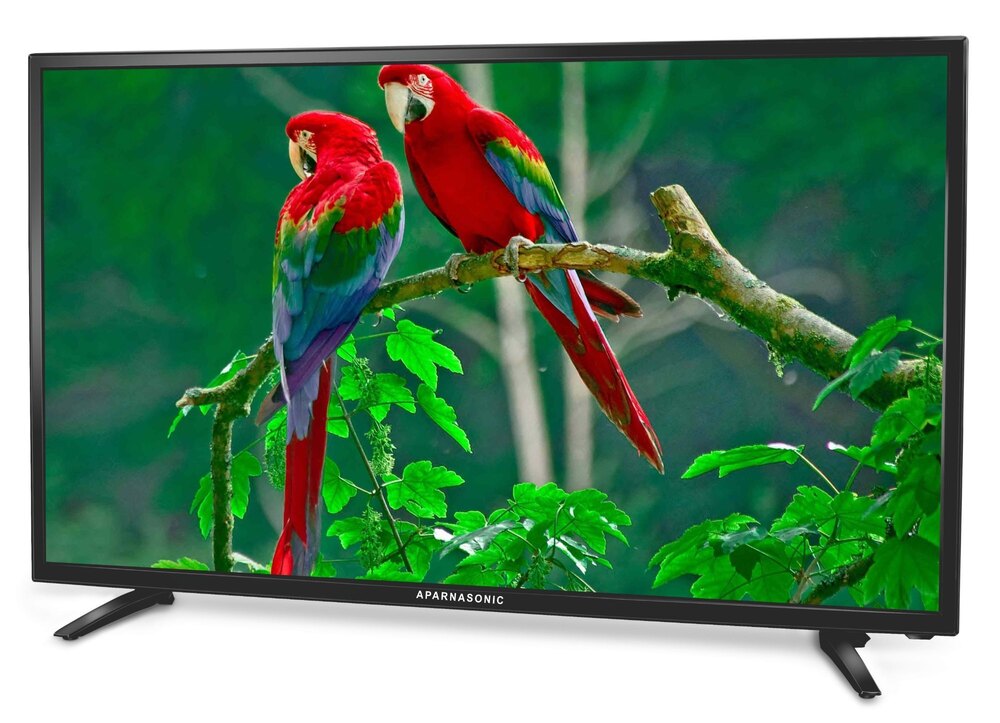
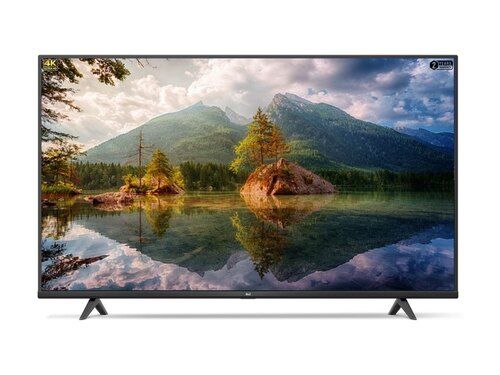
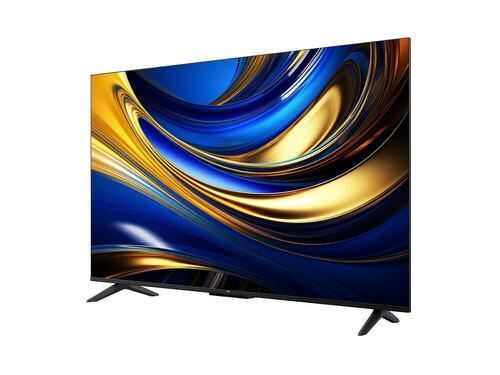
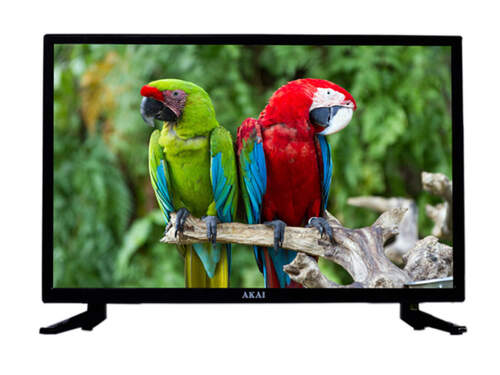
About 40 inch smart android tv
"Experience stunning visuals with our 40" Smart LED TV. Enjoy Full HD resolution, Android/RTOS operating system, and seamless connectivity with Wi-Fi, HDMI, and USB ports. Immerse yourself in crystal-clear sound with Dolby Digital Plus technology
Display:
- Size: 40 inches
- Resolution: Full HD (1920x1080)
- Panel Type: LED
- Aspect Ratio: 16:9
- Brightness: 250 cd/m2
Smart TV Features:
- Operating System: Android/RTOS
- Processor: Quad-Core
- RAM: 1GB
- Storage: 4GB
- Apps: Netflix, YouTube, Prime Video, etc.
Connectivity:
- Wi-Fi: Dual-Band
- HDMI: 3 ports
- USB: 2 ports
- Bluetooth: v4.0
Sound:
- Speaker Type: Dolby Digital Plus
- Speaker Output: 20W
- Sound Modes: Movie, Music, Game
Other Features:
- Refresh Rate: 60Hz
- Response Time: 5ms
- Viewing Angle: 178/178
- Power Consumption: 65W
Dimensions:
- Width: 91.6 cm
- Height: 53.5 cm
- Depth: 8.5 cm
- Weight: 4.5 kg
Stunning Full HD Visual ExperienceImmerse yourself in crisp Full HD resolution with an A+ grade panel, ensuring vivid colors and detailed imagery from every angle. The 178/178 wide viewing angle allows everyone in the room to enjoy the same picture quality, while advanced picture modes allow you to tailor your viewing experience for movies, games, or dynamic content.
Smart Android TV FeaturesPowered by Android 11 TV OS, this smart TV provides intuitive navigation and access to a rich library of pre-installed and downloadable apps like YouTube, Netflix, Prime Video, and more via Google Play Store. The smart remote features voice control, hotkeys, and multiple language support for effortless operation.
Robust Connectivity and Versatile UsageBenefit from multiple connectivity options including built-in Wi-Fi, Bluetooth 5.0, two HDMI ports, two USB 2.0 ports, and an Ethernet (RJ45) port. Share screens easily with screen mirroring, and enjoy USB recording capabilities for saving favorite content. Flexible mounting (table top or wall) complements various room setups.
FAQ's of 40 inch smart android tv:
Q: How do I connect the smart TV to my Wi-Fi network at home?
A: To connect, navigate to the Settings menu using your remote control, select Network, then Wi-Fi. Find your home Wi-Fi from the list, enter your password, and the TV will connect using the built-in Wi-Fi 802.11 b/g/n.
Q: What process should I follow to install additional apps on this Android TV?
A: Simply access the Google Play Store from the main menu, sign in with your Google account, search for your desired apps, and select 'Install.' The TV supports app downloads compatible with Android 11 TV OS.
Q: Where can I find the USB and HDMI ports on this TV?
A: These ports are located on the side and back of the TV for quick access. You can connect two HDMI devices and up to two USB drives or accessories at once for expanded usage options.
Q: What are the main benefits of Dolby Audio and Surround Sound in this TV?
A: Dolby Audio and surround sound deliver an enhanced listening experience with rich, immersive audio. Whether you're watching movies or playing games, the 20W stereo speakers ensure clear sound and impactful bass.
Q: When should I use the different picture modes available?
A: Select 'Movie' for optimum cinematic visuals, 'Dynamic' for bright, high-contrast images, 'Standard' for everyday use, 'User' for personalized settings, and 'Vivid' for enhanced colors. Changing modes is easy through the Picture Settings menu.
Q: How can I mirror or share my smartphone screen on the TV?
A: Enable screen mirroring in the TV's input options, then activate the screen mirroring/casting feature on your smartphone. Both devices need to be connected to the same Wi-Fi network for seamless sharing.
Q: What does the panel life of 30,000+ hours mean for long-term usage?
A: A panel life of over 30,000 hours ensures you can use this TV consistently for years without noticeable degradation in display quality, making it a reliable choice for long-term home entertainment.









 Send Inquiry

 Send Inquiry